Explorations for Teachers
Explorations for Teachers
Explorations for Teachers
Students drag, transform, and solve — every step is theirs.
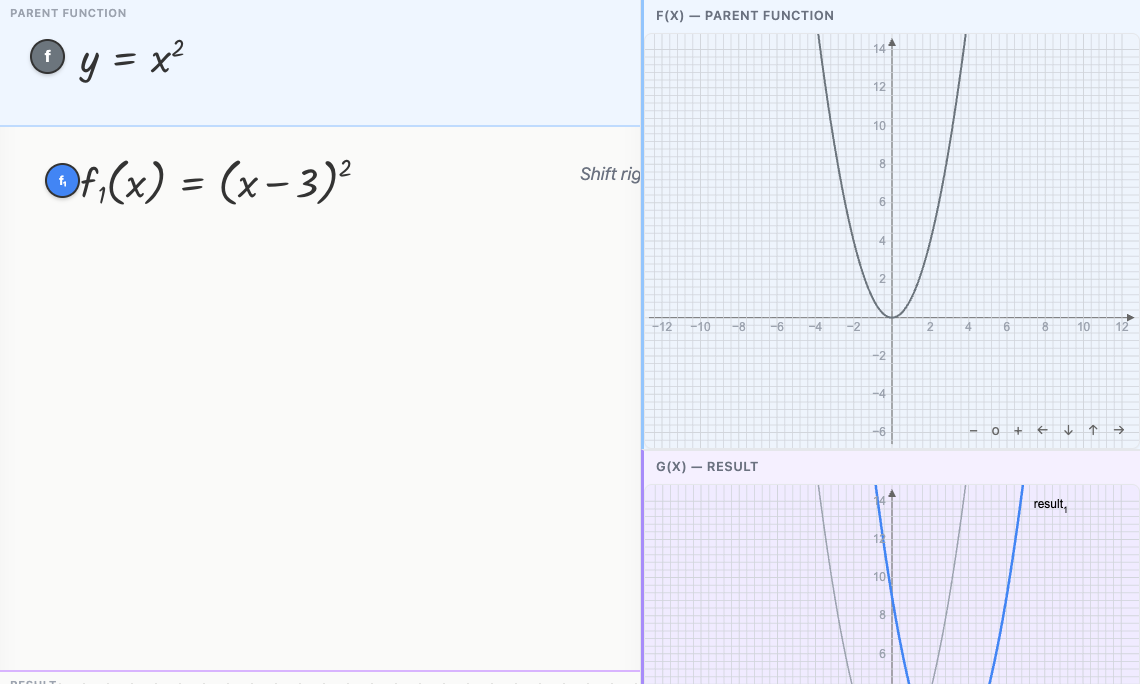
In most algebra software, students type an equation and watch the computer solve it. In Graspable Math, the equation is a physical object on the canvas. Students drag to rearrange terms, pull a coefficient away from a variable, or tap to apply an operation to both sides — and the expression rearranges in response.
The gesture IS the algebraic operation, and the motor experience builds understanding that watching a worked example typically doesn’t.
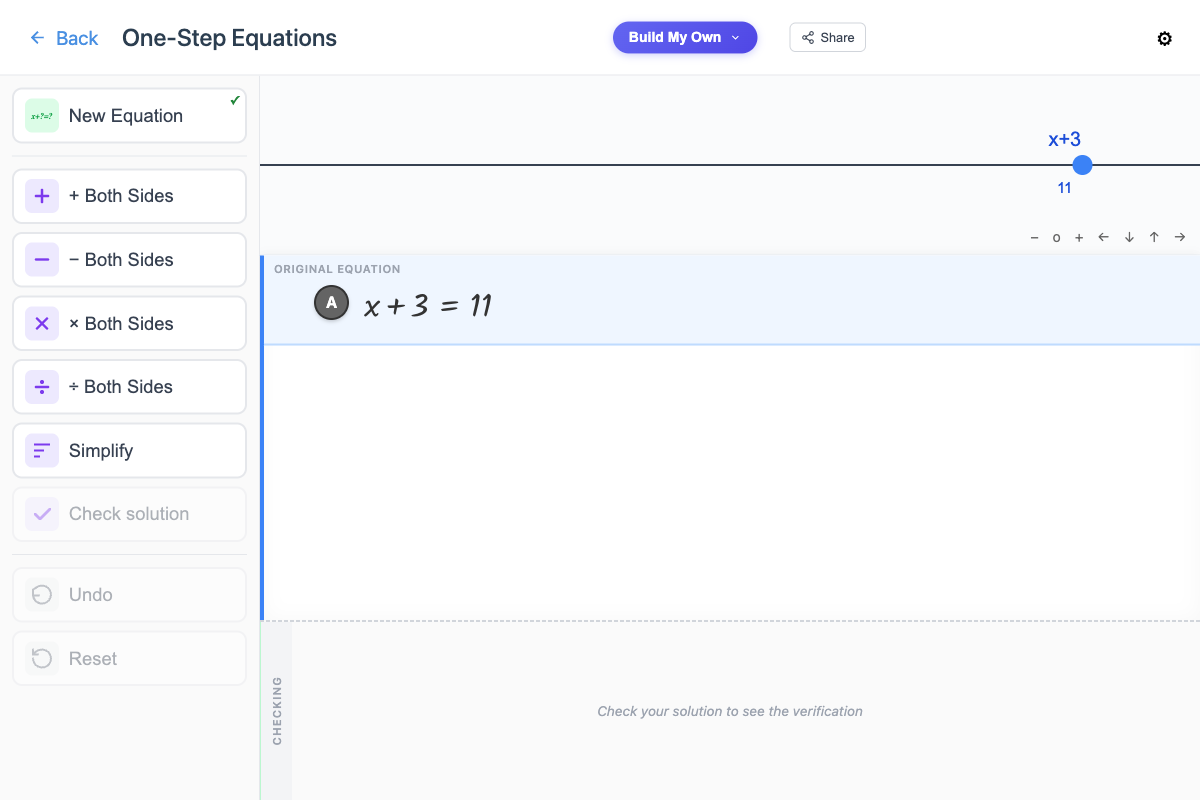
Add 5 to both sides when you meant to subtract? The expression gets more complicated instead of simpler — and the student can see that immediately. They can undo, or keep going and learn from the path they chose.
Every algebraic operation is valid and reversible, so students can reason about which moves are strategic without the penalty of erasing and recopying.
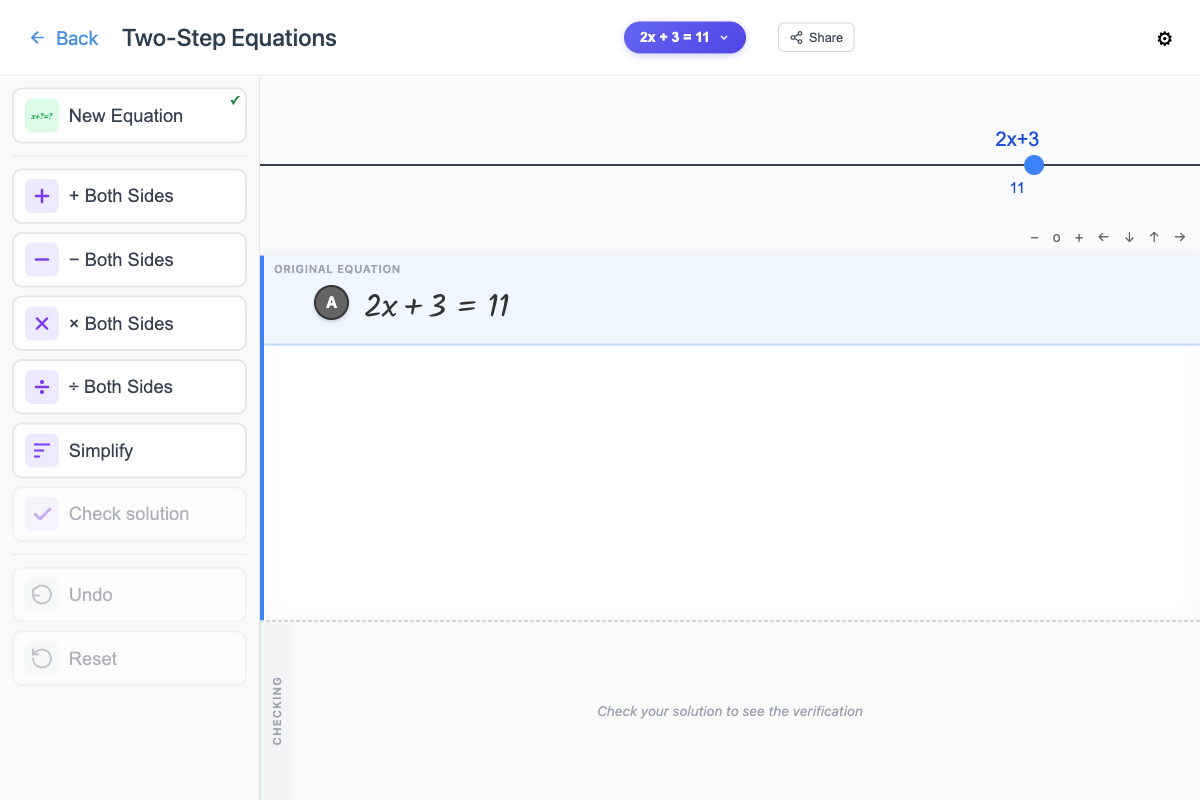
Copying equations line to line, keeping negatives aligned, distributing without dropping a term — this bookkeeping frequently overwhelms students and distracts from new learning.
Graspable Math handles that bookkeeping automatically, so students can focus on the mathematics. This matters especially for students with learning differences, fine motor challenges, or working memory constraints.
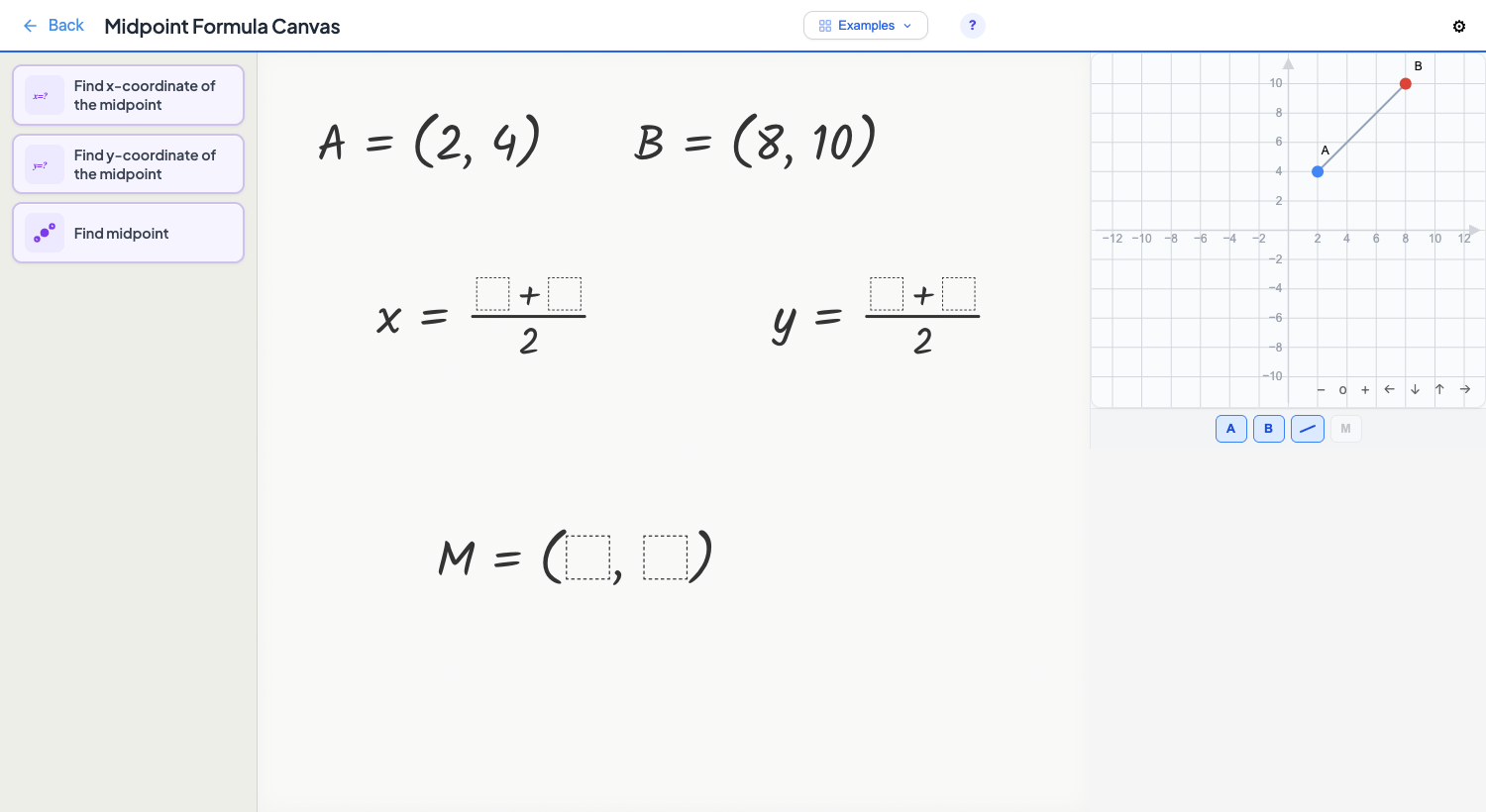
Each Exploration is a curated set of algebraic moves around a specific topic. A student working on one-step equations sees four operations and a simplify button. That’s it. The full power of the canvas is there, but the interface says: here’s what matters right now.
The result is a tool that’s immediately usable — a teacher can hand it to a class with one sentence of instruction — but deep enough that students who try every path will discover things the teacher didn’t plan.